
Feature docs · Website security
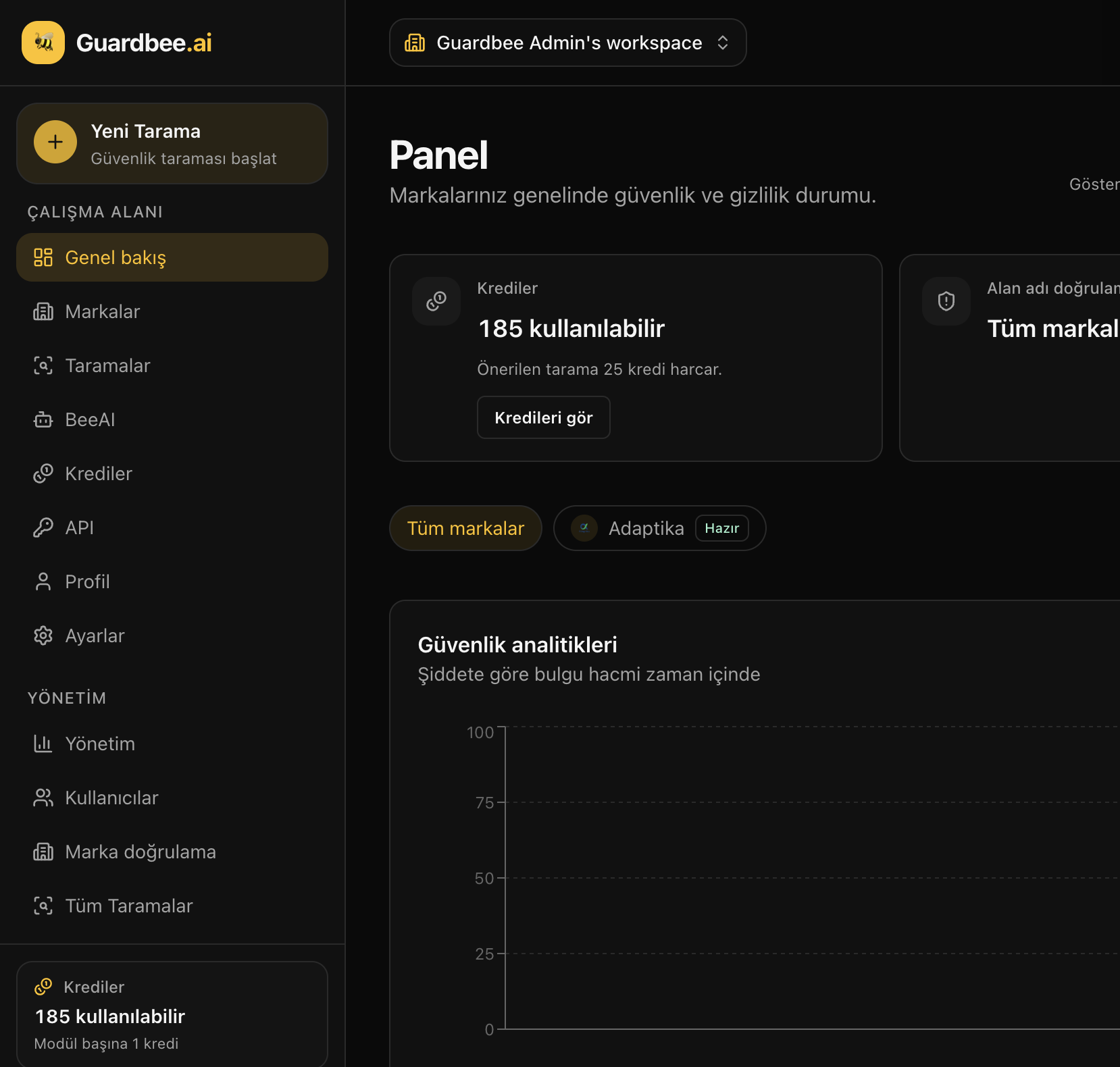
Website security is the foundational layer protecting visitor and customer data. Guardbee consolidates transport, HTTP headers, cookies, discovery surface, forms, and supply chain signals in one flow.
Who is this for?
Teams where product, marketing, legal, and engineering need a shared risk language — business impact instead of raw logs.
Guardbee website security checks
- Transport: HTTPS, SSL/TLS, mixed content
- Headers: CSP, HSTS, X-Frame-Options, Referrer-Policy
- Cookies: Secure, HttpOnly, SameSite
- Discovery: robots.txt, sitemap, sensitive paths (.env, .git)
- Web risks: open redirect, form security
- Supply chain: third-party scripts, JS library versions
Business impact
Missing HTTPS erodes trust. Missing headers expand clickjacking and XSS risk. Exposed .env / .git paths are quiet data disasters.
How to use it
- Add brand / URL at app.guardbee.ai
- Select website security modules
- Start the scan; review results on the dashboard
- Use BeeAI to explain findings in business language
Run these checks with Guardbee
Add your brand, choose your security modules, and review findings in business language. Start with a 14-day free trial — no credit card required.
Sık sorulan sorular
How long does a web scan take?
Basic transport and header checks usually finish in a few minutes.
Will the scan break my site?
No. Guardbee runs controlled, read-only requests.
Which plan should I start with?
Free plan offers 14 days / 1 brand. For regular scans, Starter or Pro is recommended.
Is there a scan quota?
No. Guardbee has no scan quota.