
MCP guide · Dependency Auditor
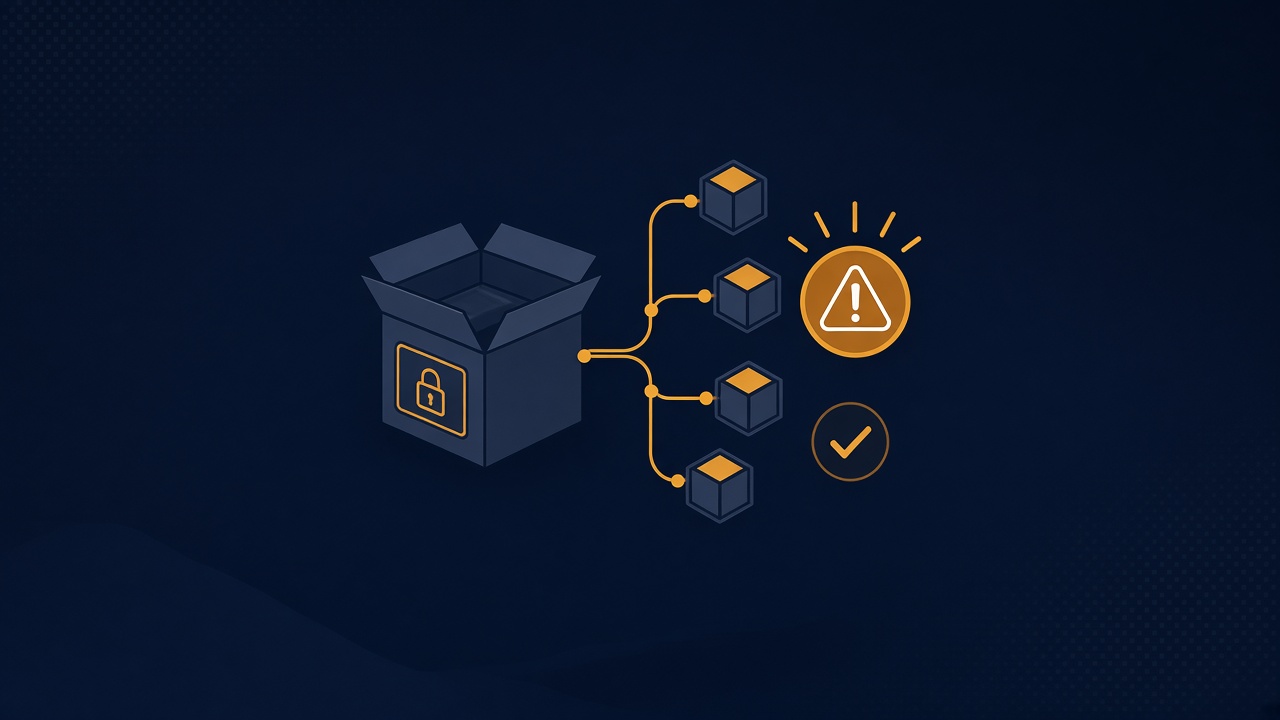
@guardbee/mcp-dependency-auditor checks npm and pip dependencies against Google’s OSV database for known CVEs. Ask Claude if a project has critical issues — free OSV, no Guardbee API key.
What does it do?
Reads package.json/lockfiles or requirements.txt/pyproject.toml and returns severity-scored findings with upgrade hints when available.
Who is it for?
- JS/TS and Python application teams
- Developers running a quick pre-PR CVE pass
- Teams bringing SCA into a chat UI
What it is not
- Replacing a full commercial SCA policy engine
- Deep analysis of private-registry-only packages outside OSV
Features
| Feature | Description |
|---|---|
| OSV API | Auth-free open-source vulnerability data |
| npm | package.json + lockfile v1/v2/v3 |
| pip | requirements.txt, pyproject.toml |
| Severity | Critical/High/Medium/Low |
| Fix hints | upgrade to X@Y when known |
MCP tools
| Tool | Description |
|---|---|
audit_npm | npm dependencies |
audit_pip | Python dependencies |
audit_package | Single package + ecosystem |
audit_directory | Auto-detect manifests |
Install with npm
Global install (handy for Claude Desktop / Cursor):
npm install -g @guardbee/mcp-dependency-auditoror via npx (recommended with -y in config):
npx -y @guardbee/mcp-dependency-auditorNeeds network access for OSV; manifests are read locally.
Claude Desktop configuration
Config file paths:
- macOS
~/Library/Application Support/Claude/claude_desktop_config.json - Windows
%APPDATA%\Claude\claude_desktop_config.json - Linux
~/.config/Claude/claude_desktop_config.json
Merge this block, then restart Claude Desktop:
{
  "mcpServers": {
    "guardbee-dependency-auditor": {
      "command": "npx",
      "args": [
        "-y",
        "@guardbee/mcp-dependency-auditor"
      ]
    }
  }
}
Cursor and other MCP clients
In Cursor, add the same command / args / env under Settings → MCP. stdio MCP servers use the same contract as Claude Desktop.
Example prompts in Claude
- “Audit npm dependencies in /Users/me/my-app”
- “Are there CVEs in lodash 4.17.20?”
- “Scan my Python project at /Users/me/django-app”
Related links
See surface risk with Guardbee
MCP servers speed up security work in chat. Start a 14-day free trial for brand scans and BeeAI.
Frequently asked questions
Cargo too?
audit_package can query additional ecosystems — see the package README.
Is a lockfile required?
Lockfiles give precise versions; otherwise ranges from package.json are used.
API key?
No.