
MCP guide · Vulnerability Scanner
@guardbee/mcp-vulnerability-scanner lets you start Guardbee security scans from a Claude chat, track status, filter findings, and ask for remediation guidance. A Guardbee API key is required.
What does it do?
Ask Claude to scan a URL and it triggers Guardbee’s modules and scenarios (quick, kvkkFocus, gdprFocus, ccpaFocus) without leaving the conversation.
Who is it for?
- Product and security teams already on Guardbee
- Anyone operating scans from Claude Desktop or Cursor
- Teams needing a fast pre-launch surface check
What it is not
- Offline scanning without an API key
- Destructive penetration testing or exploit execution
Features
| Feature | Description |
|---|---|
| Start scans | By URL or brand ID |
| Status & history | Progress, summaries, past scans |
| Finding filters | Severity / scanId / brandId |
| Scenarios | quick, kvkkFocus, gdprFocus, ccpaFocus |
| scan_and_report | Scan, wait, return critical/high + advice |
MCP tools
| Tool | Description |
|---|---|
start_scan | Start a scan; wait=true blocks until done |
get_scan_status | Live status and counts |
list_scans | List workspace scans |
get_findings | Filtered findings |
scan_and_report | One-shot report |
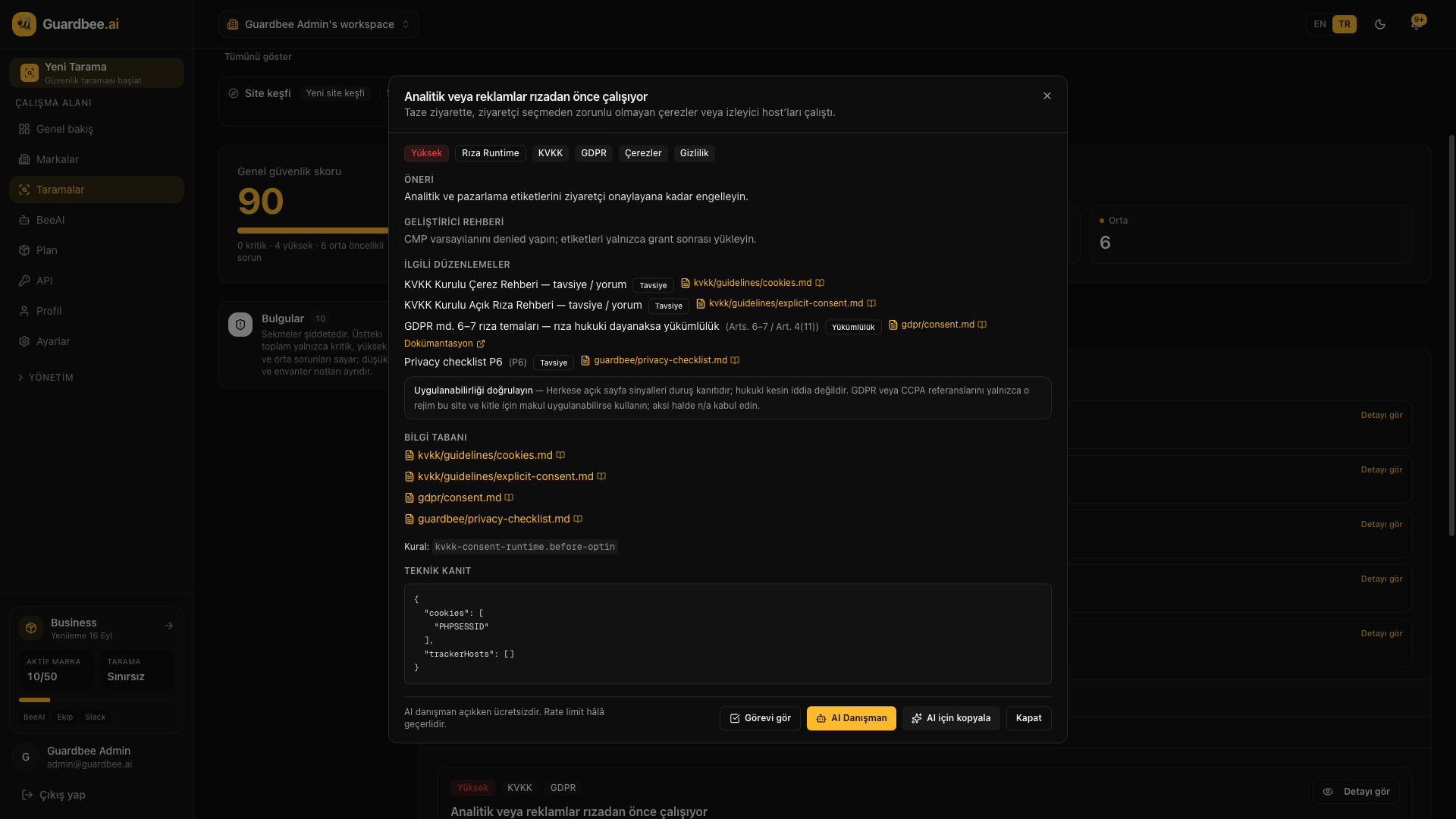
Install with npm
Global install (handy for Claude Desktop / Cursor):
npm install -g @guardbee/mcp-vulnerability-scanneror via npx (recommended with -y in config):
npx -y @guardbee/mcp-vulnerability-scannerCreate an API key at app.guardbee.ai/developers.
Claude Desktop configuration
Config file paths:
- macOS
~/Library/Application Support/Claude/claude_desktop_config.json - Windows
%APPDATA%\Claude\claude_desktop_config.json - Linux
~/.config/Claude/claude_desktop_config.json
Merge this block, then restart Claude Desktop:
{
  "mcpServers": {
    "guardbee-vulnerability-scanner": {
      "command": "npx",
      "args": [
        "-y",
        "@guardbee/mcp-vulnerability-scanner"
      ],
      "env": {
        "GUARDBEE_API_KEY": "gb_..."
      }
    }
  }
}
Cursor and other MCP clients
In Cursor, add the same command / args / env under Settings → MCP. stdio MCP servers use the same contract as Claude Desktop.
Guardbee API key
- Create an account at app.guardbee.ai
- Generate a key under Developers
- Set it as
GUARDBEE_API_KEYin the MCP env
Example prompts in Claude
- “Scan https://example.com and give me a security report”
- “List my recent scans”
- “Show critical findings from the last scan and how to fix them”
- “Run a KVKK-focused scan on example.com”
Related links
See surface risk with Guardbee
MCP servers speed up security work in chat. Start a 14-day free trial for brand scans and BeeAI.
Frequently asked questions
Does the free trial work?
Yes if you have a Guardbee account and API key within your plan’s brand limits.
Is there a scan quota?
No scan quota in Guardbee — limits are active brands and plan features.
Where do results live?
Summarized in Claude and stored in the Guardbee console.