
MCP guide · Compliance Checker
@guardbee/mcp-compliance-checker runs privacy-focused checks for KVKK, GDPR, and CCPA, scores privacy policies, detects cookie banners/CMPs, and compares frameworks. Some tools work without an API key.
What does it do?
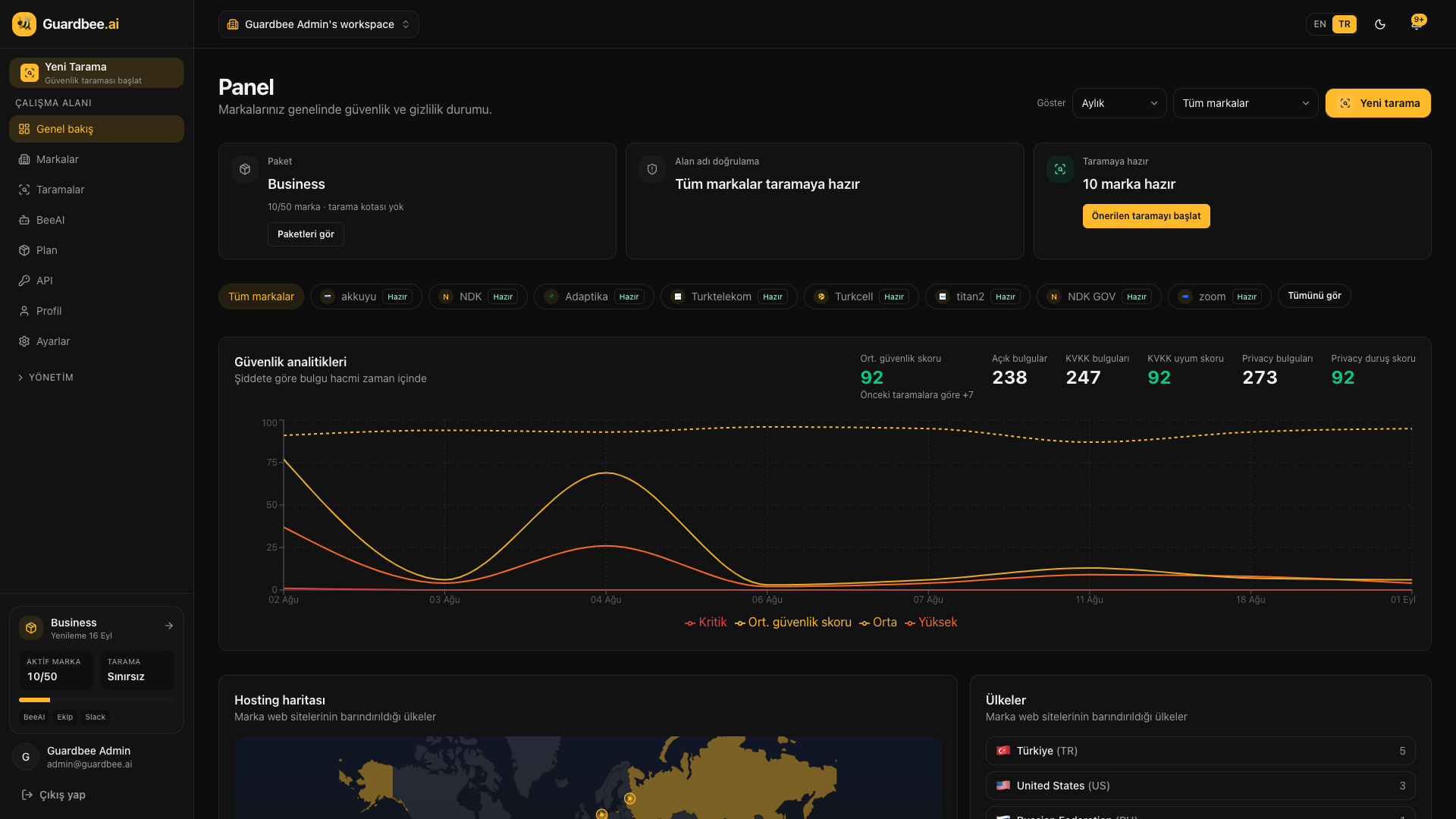
Ask Claude how your site’s privacy signals look. Full Guardbee compliance scans need an API key; policy analysis can run offline.
Who is it for?
- Teams doing KVKK/GDPR surface reviews
- Anyone quickly checking privacy policy + CMP presence
- Analysts explaining differences across frameworks
What it is not
- Legal opinions or formal compliance certificates
- Full GRC / VERBIS inventory programs
Features
| Feature | Description |
|---|---|
| Compliance scans | KVKK/GDPR/CCPA-focused via Guardbee API |
| Policy analysis | 10 signals, 0–100 score, letter grade |
| CMP detection | OneTrust, Cookiebot, Axeptio, and more |
| Requirements catalog | 21 referenced requirements |
| Framework compare | Shared vs unique controls |
MCP tools
| Tool | Description |
|---|---|
check_compliance | API required — start compliance scan |
get_compliance_findings | API required — findings |
analyze_privacy_policy | No API — policy scoring |
list_requirements | No API — catalog |
compare_frameworks | No API — compare |
Install with npm
Global install (handy for Claude Desktop / Cursor):
npm install -g @guardbee/mcp-compliance-checkeror via npx (recommended with -y in config):
npx -y @guardbee/mcp-compliance-checkerAPI key is only required for scan tools; policy analysis works without it.
Claude Desktop configuration
Config file paths:
- macOS
~/Library/Application Support/Claude/claude_desktop_config.json - Windows
%APPDATA%\Claude\claude_desktop_config.json - Linux
~/.config/Claude/claude_desktop_config.json
Merge this block, then restart Claude Desktop:
{
  "mcpServers": {
    "guardbee-compliance-checker": {
      "command": "npx",
      "args": [
        "-y",
        "@guardbee/mcp-compliance-checker"
      ],
      "env": {
        "GUARDBEE_API_KEY": "gb_..."
      }
    }
  }
}
Cursor and other MCP clients
In Cursor, add the same command / args / env under Settings → MCP. stdio MCP servers use the same contract as Claude Desktop.
Guardbee API key
- Create an account at app.guardbee.ai
- Generate a key under Developers
- Set it as
GUARDBEE_API_KEYin the MCP env
Example prompts in Claude
- “Analyze and score the privacy policy on example.com”
- “Summarize differences between KVKK and GDPR”
- “Start a KVKK-focused compliance scan for example.com”
Related links
See surface risk with Guardbee
MCP servers speed up security work in chat. Start a 14-day free trial for brand scans and BeeAI.
Frequently asked questions
Is an API key mandatory?
Not for analyze_privacy_policy, list_requirements, or compare_frameworks; yes for check_compliance.
Is this a GRC suite?
No. It inspects digital-surface signals, not inventories/VERBIS.
Languages?
Signals are language-agnostic; ask Claude to answer in EN or TR.