
Feature docs · Website security · Module: mixed-content
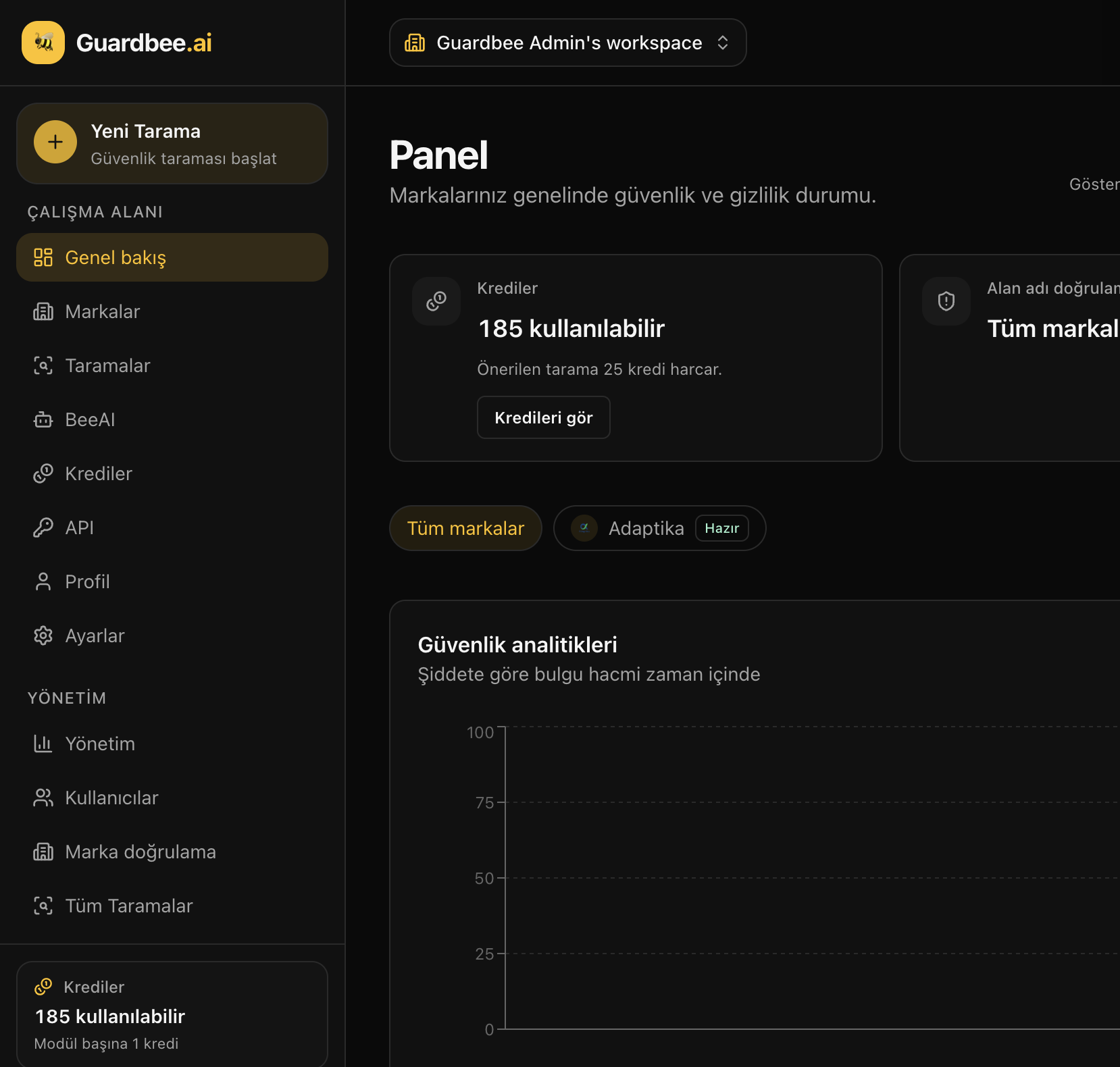
Mixed Content is a Guardbee scan module under website security. Detects http:// assets referenced from HTTPS pages.
What does it check?
Detects http:// assets referenced from HTTPS pages. Results appear in the dashboard and scan detail as score, findings, and recommended actions.
Business impact
HTTP assets on HTTPS pages break the protection model.
Guardbee presents risk, impact, and priority — so product, legal, and engineering share one screen.
How to run it
- Create a Guardbee account (14-day free trial)
- Add a brand / URL
- Select Mixed Content under Website security
- Run the scan; optionally explain findings with BeeAI
Related docs
Run this module now
Use Mixed Content with no scan quota. Start with a 14-day free trial.
Frequently asked questions
Is Mixed Content required?
No. Pick modules as needed; there is no scan quota — limits are active brands.
Is scanning destructive?
No. Guardbee uses controlled, read-only, limited requests.
Does it work with BeeAI?
Yes. After a scan, BeeAI can summarize findings in business language.